
Section 4. rdInstBaseActor and rdInstSubSystem

Section 4.1. Introduction

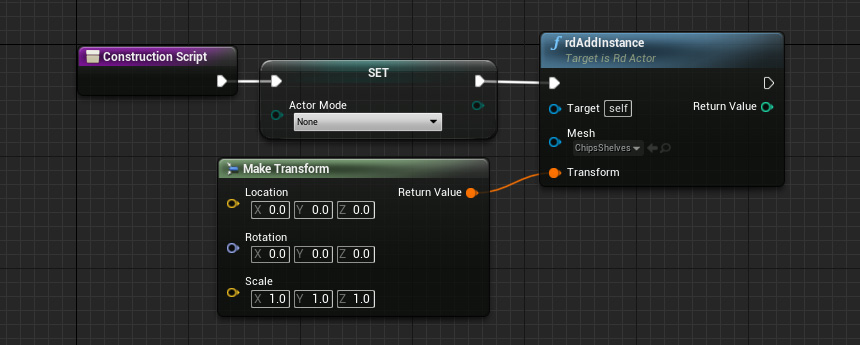
The rdInst Subsystem has been added to allow any actor to easily create instances and pool actors at any time using the rdInst Singleton base handler.

It reflects all the methods in rdInstBaseActor. You can interchange the Nodes/Functions between the two.

It make it easy to do things like:

  • Enable Auto-Instancing
  • Add Fast, Unmanaged Instances
  • Spawn Actors and Niagara FX
  • Add and Manage Proxies
  • Edit Splines in the Editor and/or Runtime
  • Change/Review Scalability Settings
  • Add and change Proxies at runtime

Whenever you create a new level, one of these actors is added to the level – you’ll see it in the outliner – labeled “rdInst Settings”.

You can change the default settings for rdInst by selecting this actor in the outliner, it’s properties are then shown in the details panel.


Section 4.2. How to use

It’s very simple to use the rdInstBaseActor – you can access it from anywhere via the rdInstSubSystem – it relays any commands directly to it (it resides in the level as a singleton).

When using the rdInst Subsystem – don’t drag out from a node, just right-click on the graph and search for “rdinsts”.

If you’re going to call a number of nodes for rdInst, it can be more efficient to directly call it through the rdGetBase Node:


Section 4.3. Tutorials

To learn how to use the rdInst Subsystem, read the following tutorials:

Tutorial 1.5 – rdInst Subsystem